Best Free Route Planning Software: 10 Top Tools — Routelink
Compare the best free route planning software by stops, optimization, integrations, mobile UX, proof of delivery, limits, and upgrade paths.
21 September 2026 · Routelink Team
Best Free Route Planning Software: 10 Top Tools
Compare the best free route planning software by stops, optimization, integrations, mobile UX, proof of delivery, limits, and upgrade paths.
Free does not always mean operationally free. The most popular advice in this category treats a high stop limit as the main decision point, but delivery teams usually break free tools somewhere else first. Shared dispatch, proof of delivery, customer updates, driver handoff, and route changes during the day matter more than whether a planner accepts one long list.
That’s why the best free route planning software isn’t a single winner. It depends on whether you’re a solo driver planning a 1PL run, a shop doing local retail drops, a dispatcher managing scheduled deliveries, or an operator moving perishables where timing and customer visibility matter more than raw stop count. Even the broader market trend points to route planning becoming core operations infrastructure, not a niche add-on. Route optimization software grew from USD 2.50 billion in 2017 to USD 5.07 billion by 2023 at an 11.4% CAGR, with Grand View Research estimating USD 8.51 billion in 2023 and projecting USD 21.46 billion by 2030 at a 14.4% CAGR from 2024 to 2030, as summarized by Straits Research’s route optimization software market review.
I’m comparing each tool on the same operational frame: free limits, optimization depth, vehicle support, integrations, mobile experience, offline access, customer visibility, proof of delivery, and upgrade friction. I’ll also point out where basic navigation starts needing enhanced navigation with rerouting rather than just a shorter stop sequence.
The side by side table later will help. But the short version is simple. A free planner can save a run. It can also create hidden work for dispatch, support, and drivers if you pick a tool designed for errands instead of deliveries.
Table of Contents
- 1. RouteXL
- 2. MapQuest Route Planner
- 3. Google Maps
- 4. HERE WeGo
- 5. Shipday Free Route Optimization Tool
- 6. GraphHopper Maps
- 7. Routing24
- 8. RoadWarrior
- 9. Zeo Route Planner
- 10. MyRouteOnline
- Top 10 Free Route Planner Comparison
- Choose the Smallest Tool That Fits the Operation
1. RouteXL
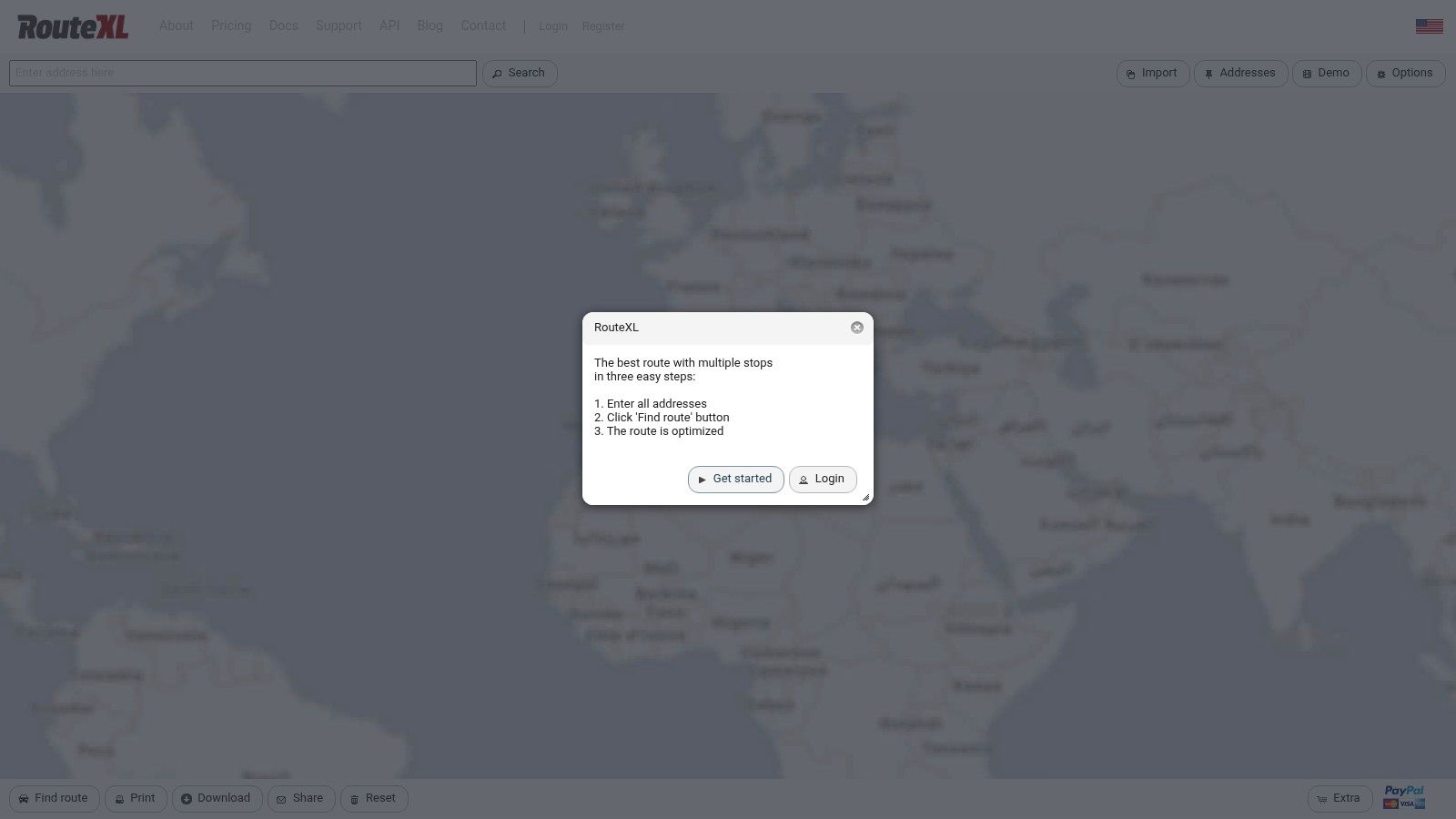
RouteXL is one of the clearest examples of a free planner that understands the delivery use case without pretending to be a full operations platform. It sequences stops automatically, works in the browser, and keeps the workflow simple enough that a retail manager or owner-driver can use it without training.
For straightforward local runs, that simplicity is its strength. The free plan supports up to 20 stops, and the API is free up to 10 stops per route. That makes RouteXL a good fit for a florist, pharmacy, bakery, or trade counter doing one vehicle at a time and wanting a better sequence than a spreadsheet plus guesswork.
Where it fits operationally
RouteXL works best when one person plans and one driver executes. If you’re doing daily 1PL routes from a single location, importing addresses from a spreadsheet and handing the route off to a navigation app is fast and low-friction.
It starts to strain when the route isn’t the whole job.
- Good fit: Single-vehicle retail drops, service calls, ad hoc local delivery rounds
- Weak fit: Shared dispatch, proof of delivery, customer notifications, live operational oversight
- Migration effort: Low, because teams can start from a clean address sheet and keep the rest of the process manual
Practical rule: If your dispatcher still tracks completion in text messages or on paper, RouteXL is helping with sequencing, not managing delivery operations.
The hidden limit isn’t only stop count. It’s the website’s single-vehicle orientation. You can get real value from RouteXL before paying for anything, but once you need multiple drivers, recurring templates, or customer-facing status, you’ll spend more time stitching tools together than planning routes.
2. MapQuest Route Planner
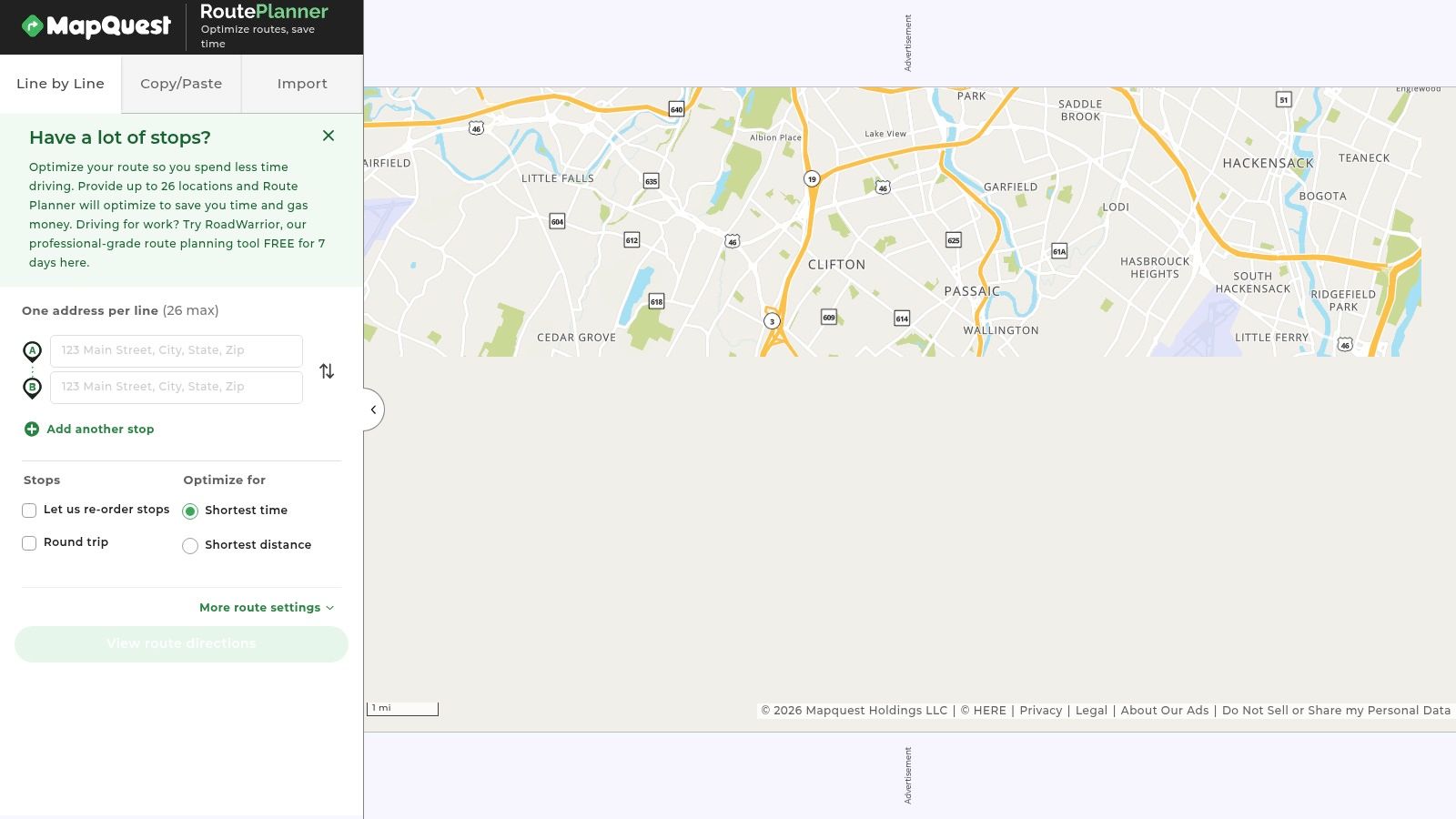
MapQuest Route Planner sits in an awkward but useful middle ground. It does more route organization than a pure navigation app, yet it stops well short of delivery management. That distinction matters if you are comparing free tools for actual operations rather than for getting one driver out the door.
A simple test helps. If a retail manager receives a spreadsheet of orders at 8 a.m., needs to clean up addresses, reorder stops, print or share the route, and hand it to a driver, MapQuest fits the job. If the same business also needs delivery windows, driver tracking, proof of delivery, or a dispatcher watching exceptions live, MapQuest leaves too much work outside the tool.
Its appeal is operational, not flashy.
The free version supports up to 26 stops on a route, which gives it more room than several consumer-first tools. That makes it more practical for a small wholesale loop or a branch transfer run than Google Maps, where manual stop ordering becomes the bottleneck sooner. At the same time, higher stop capacity does not turn MapQuest into dispatch software. As Maptive’s comparison of free route planners with unlimited stops notes, stop limits vary widely across free products, so the better question is what happens around the route, not just inside it.
For real delivery scenarios, MapQuest works best in two cases. First, a 1PL owner-driver or store manager who plans one local run at a desk and cares more about quick route setup than about automation. Second, a small retail or B2B operation where customer updates, delivery confirmation, and exception handling are still managed by phone, email, or paper.
It is less convincing for scheduled deliveries and perishables. Once routes need time-sensitive sequencing, service-time awareness, or tighter control over what happened at the stop, MapQuest becomes a planning aid rather than an operating system. That increases migration effort later, because the team builds habits around manual workarounds instead of around a dispatcher-driver workflow.
A practical way to judge it:
- Use MapQuest if route planning starts from a spreadsheet and ends with a shared or printed route.
- Skip it if multiple drivers, recurring schedules, or delivery confirmation already affect customer experience.
- Expect low adoption friction now, but limited carryover once you move to paid operations software.
MapQuest is strongest where the route is the main problem. Once the business needs visibility after the driver leaves, the free savings usually stop being the important metric.
3. Google Maps
Google Maps is the baseline every other free tool gets compared to, and that’s fair. Almost every driver already knows it, the navigation is familiar, and handoff from desktop to phone is effortless. For very small runs, that convenience can matter more than formal optimization.
But Google Maps isn’t route optimization software in the delivery sense. It lets you add up to nine stops plus a destination, and you can drag the order manually, but it doesn’t automatically produce the best stop sequence. If you’re deciding whether that gap matters in practice, this guide to route planning software basics is a useful frame. For pure driving support, Google Maps still sits inside most drivers’ mental model of the best free navigation app comparison.
When Google Maps is enough
For a plumber with a handful of service visits, a shop owner making a few local drops, or a field rep handling occasional calls, Google Maps is often enough. The route volume is low, and navigation quality matters more than sequence optimization.
For scheduled deliveries, it starts costing time quickly. Someone has to decide the order manually, and that usually means local knowledge, repeated trial and error, or acceptance of an inefficient route.
Use Google Maps when the driver is the planner. Switch tools when the business needs the route to be planned before the driver starts.
Google Maps also lacks delivery workflow features. There’s no proof of delivery, no customer notifications, and no shared dispatcher view. So it’s excellent navigation, but only basic route planning.
4. HERE WeGo
A free route tool earns its place for one reason or another. HERE WeGo earns it for reliability in bad signal conditions.
HERE WeGo makes more sense in rural service areas, regional retail runs, and contractor fleets than its position on many generic app lists suggests. The core advantage is offline map access combined with multi-stop routing and manual reordering. For a solo driver covering wide territory, that can prevent a basic problem that pure optimization tools do not fix. A well-planned route is still a poor route if the driver loses guidance halfway through it.
That changes how HERE WeGo fits the four delivery scenarios in this article. For 1PL owner-driver work, it is practical if the route is known in advance and coverage is inconsistent. For small retail runs across towns or suburbs, it holds up as a dependable driver app. For scheduled deliveries, the weakness shows up earlier because the app does little to help sequence stops around promised time windows. For perishables, offline continuity helps the driver stay on course, but it does not give the business temperature controls, customer updates, or delivery confirmation.
The tradeoff is clear. HERE WeGo supports execution better than planning.
A small operation with one vehicle can live with that tradeoff longer than a dispatch-led team. If the same person chooses the stop order and drives the route, offline navigation may matter more than route math. Once routes are assigned by someone else, the gaps become expensive. There is no strong proof of delivery workflow, no dispatcher-wide control layer, and no clear handoff from planning to in-route exception handling.
That also affects migration effort. HERE WeGo is easy to adopt because drivers can start using it with little setup. It is harder to extend into delivery operations because the free app does not create much process structure to build on later. Teams that start here often still need a second tool for dispatch records, customer communication, and completion status.
Use HERE WeGo if your main operational risk is losing navigation in the field. Skip it if your main risk is poor sequencing, missed delivery windows, or lack of visibility after the vehicle leaves. The point where paid operations software becomes worth it is usually the moment a dispatcher needs to coordinate several routes and verify what happened at each stop, not just get a driver to the next address.
5. Shipday Free Route Optimization Tool
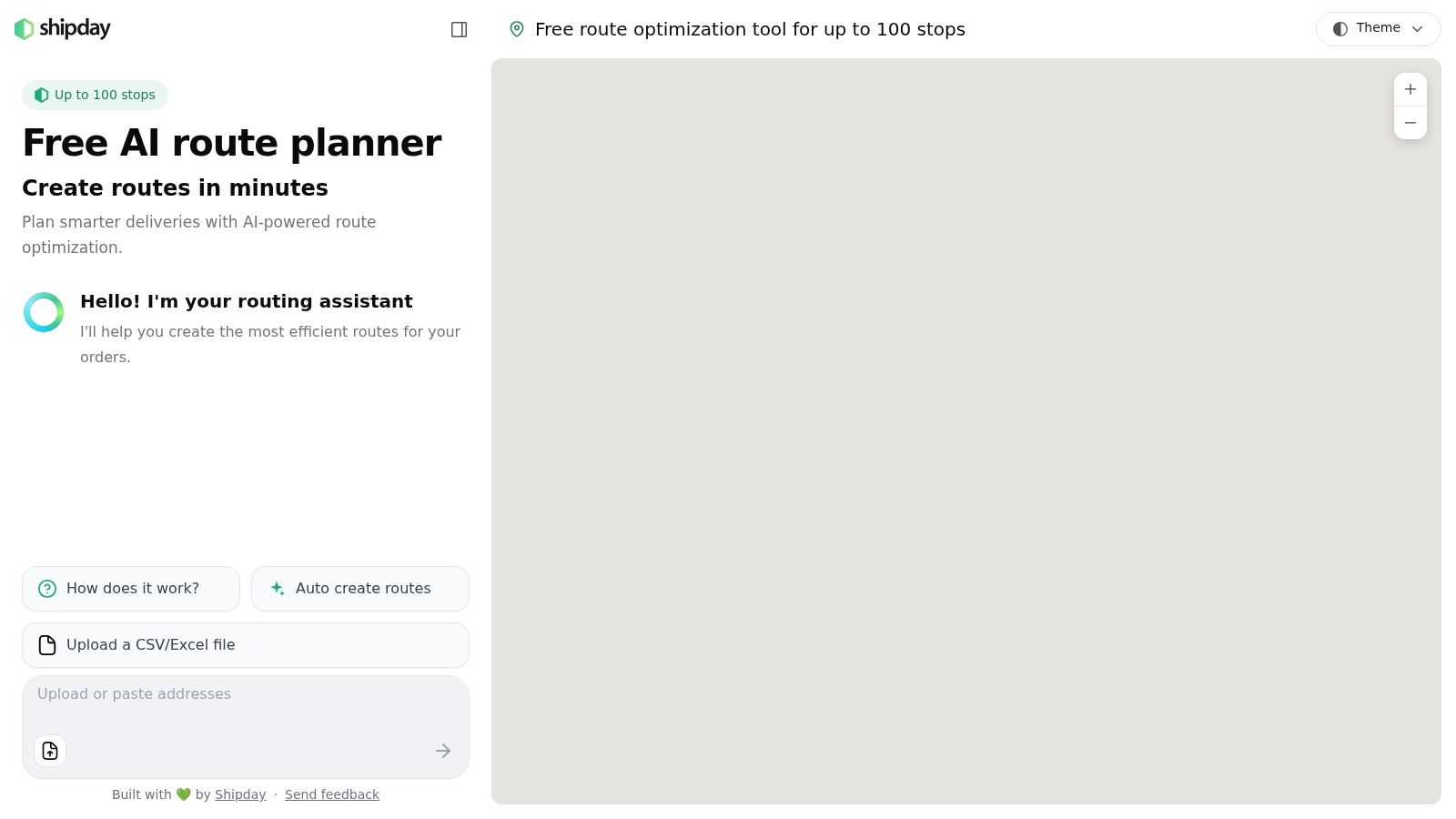
A free route tool becomes more interesting when it handles an actual delivery load instead of five or ten test stops. Shipday Free Route Optimization Tool does that. It lets you optimize one route from a single start point, for up to 100 stops, without creating an account.
That changes its role in this list. Shipday is less useful as a daily operating system than as a stress test for real route density.
For a 1PL owner-driver, the appeal is obvious. You can paste a large stop list, get a workable sequence, and head out. For a small retailer running local drops, it is also a practical way to estimate whether one vehicle can absorb overflow before adding another run. For scheduled deliveries, the limitation shows up faster. A stop sequence alone does not manage customer promises, rescheduling, or dispatcher decisions once the route is live. For perishables, that gap matters even more because route order is only one part of service quality.
The better way to judge Shipday is by three questions: how much route math it gives you for free, how much delivery process it creates, and how painful the handoff will be if the operation grows. On the first question, it performs well. On the second and third, it is much thinner than tools built around dispatch. If you want a practical framework for that distinction, this guide to route optimization for last-mile delivery explains why sequencing and delivery execution often split into separate software decisions.
Shipday fits one recurring scenario unusually well. One planner needs to sort one large route for one driver, quickly, with little setup. That covers charity runs, pharmacy batches, temporary holiday overflow, and dense urban courier work better than many free consumer map tools.
Its weak point is what happens after planning. There is no strong proof of delivery layer, no clear multi-vehicle balancing model in this free experience, and no shared control structure for a dispatch-led team. A solo driver can tolerate that longer because the same person plans and executes the work. A business with store staff, dispatchers, and drivers usually cannot.
Migration effort follows that pattern. Testing Shipday is easy. Building repeatable operating habits on top of it is harder, because the free tool solves the route-order problem more than the delivery-management problem. That makes it a strong temporary choice for high-stop days, but a shorter-term fit once missed windows, failed handoffs, or delivery disputes start costing time.
6. GraphHopper Maps
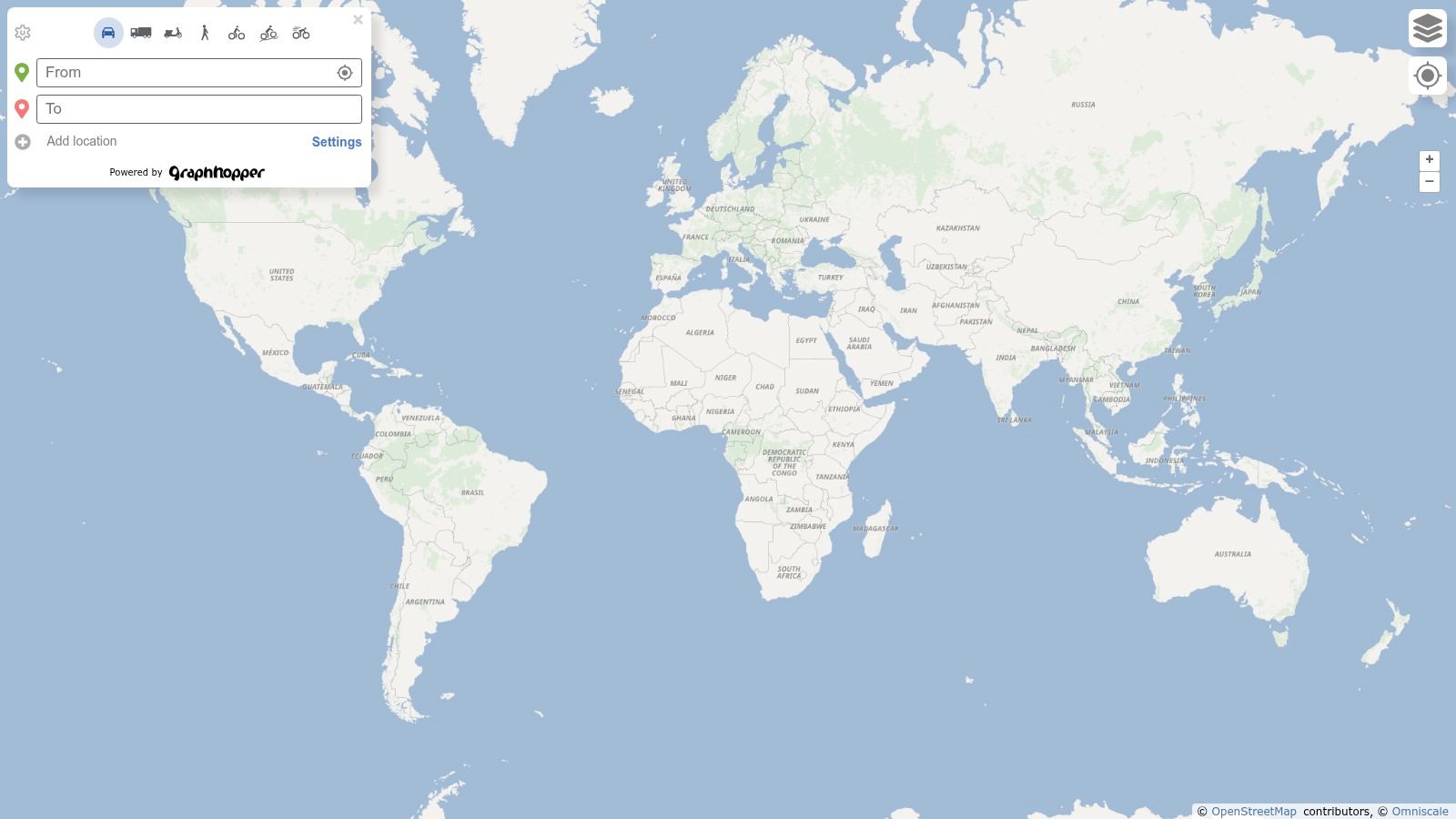
GraphHopper Maps is not the easiest tool on this list, and that’s partly why it belongs here. Some teams don’t need the most polished consumer interface. They need flexible routing profiles, OpenStreetMap foundations, and more control over how routing behaves.
The public map app supports multi-waypoint routing for driving, cycling, walking, and truck profiles. That makes it useful for organizations with mixed movement patterns, unusual service geographies, or privacy preferences that push them away from mainstream consumer navigation apps.
What kind of operator should consider it
GraphHopper fits technical teams, nonprofits, municipal users, and operators who already think in terms of routing engines rather than delivery apps. The OpenStreetMap ecosystem has long included free, open-source routing services such as OpenRouteService and Valhalla, which shows that free route planning isn’t limited to SaaS trials or consumer map products, according to Mordor Intelligence’s summary of the route optimization landscape.
That said, GraphHopper Maps itself doesn’t give you full stop-order optimization in the public UI. It’s a routing interface more than a dispatch planner.
Open-source routing can reduce licensing cost. It usually shifts the burden to setup, workflow design, and support.
If your operation needs browser-based convenience, customer updates, and easy driver handoff, GraphHopper will feel incomplete. If your team wants routing flexibility and can tolerate a more technical path, it’s one of the more interesting free options.
7. Routing24
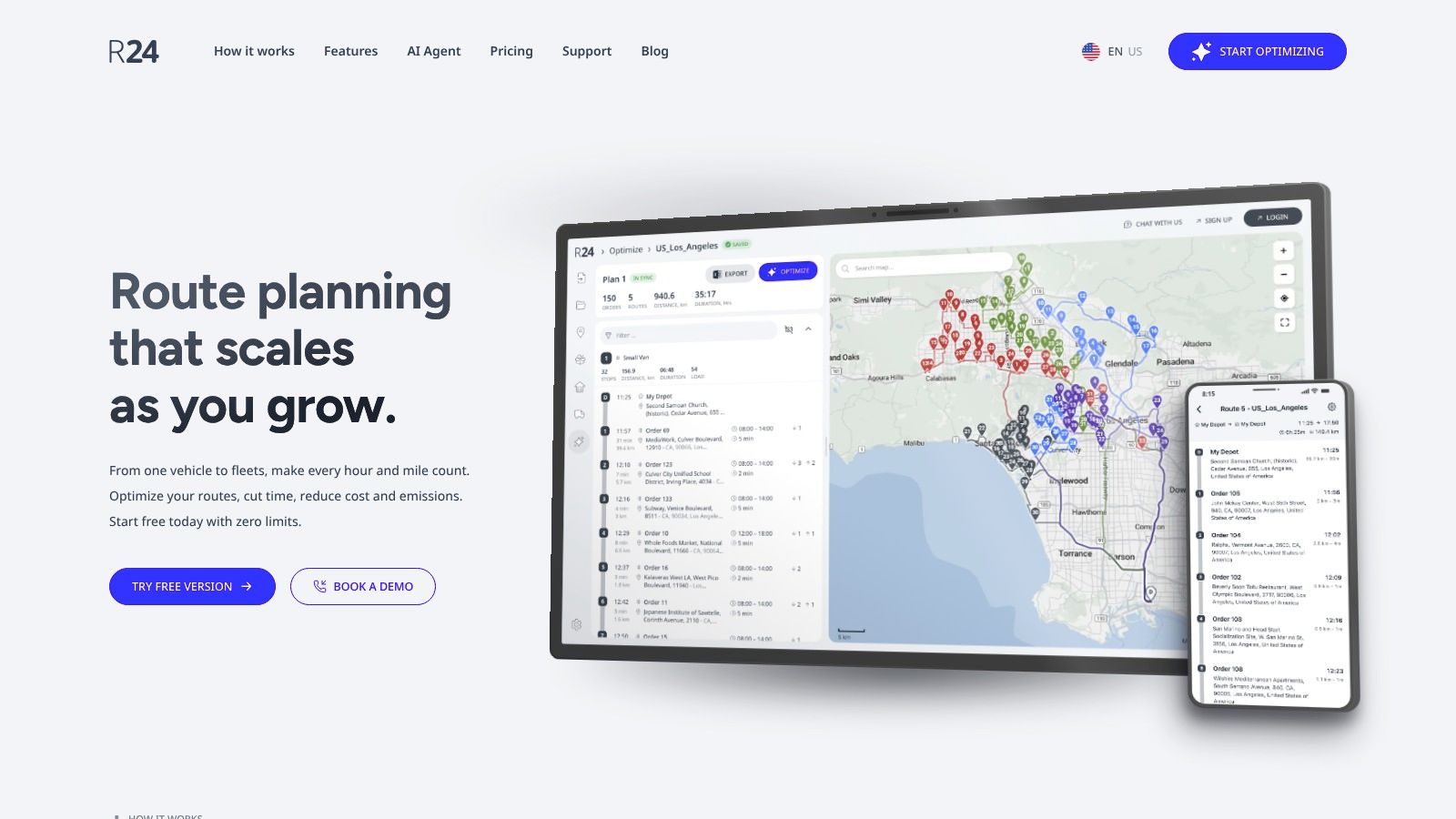
A free route planner only becomes strategically interesting when it can answer a dispatcher problem, not just a driver problem. Routing24 gets closer to that line than several tools in this list because it plans across multiple vehicles, accepts spreadsheet-based workflows, and stays browser-first.
That changes its best use case. For a 1PL operator with one van, Routing24 is probably more system than needed. For a small retailer sending three vans on daily store replenishment runs, or a wholesaler splitting stops across drivers before 8 a.m., it is easier to justify. The free plan appears generous on route volume compared with many consumer apps, but the practical constraint is feature depth, not raw stop count.
The advantage is shared planning. One office user can assign work across vehicles instead of asking each driver to optimize their own route on a phone. That makes Routing24 more relevant for small retail distribution and scheduled local delivery than for ad hoc courier work.
A simple test helps place it:
If your main question is, “What is the fastest order for my stops today?”, cheaper and simpler tools can cover that.
If your main question is, “How should I split today’s stops across four vans with different capacities or territories?”, Routing24 is in a smaller group of free options that can at least attempt the job.
It still sits short of full delivery management. Proof of delivery, customer communication, exception handling, and richer driver status controls are not the reasons to choose it. That matters for perishables and time-sensitive scheduled drops, where route order is only one part of the operation. Once failed delivery tracking or customer confirmation starts affecting margins, a free optimizer saves less than it first appears to save.
The migration path is relatively favorable. Teams already working from spreadsheets can test Routing24 without redesigning the whole process, which lowers adoption friction. The tradeoff is that the same spreadsheet-friendly setup can delay a needed software change. If dispatchers begin spending time reconciling route plans, driver updates, and delivery completion in separate tools, paid operations software usually starts to make financial sense.
Routing24 is best treated as a bridge product. It is more capable than solo-driver planners, but it does not replace a delivery platform. For small multi-vehicle runs, that middle ground can be useful. For customer-facing delivery operations, it is usually temporary.
8. RoadWarrior
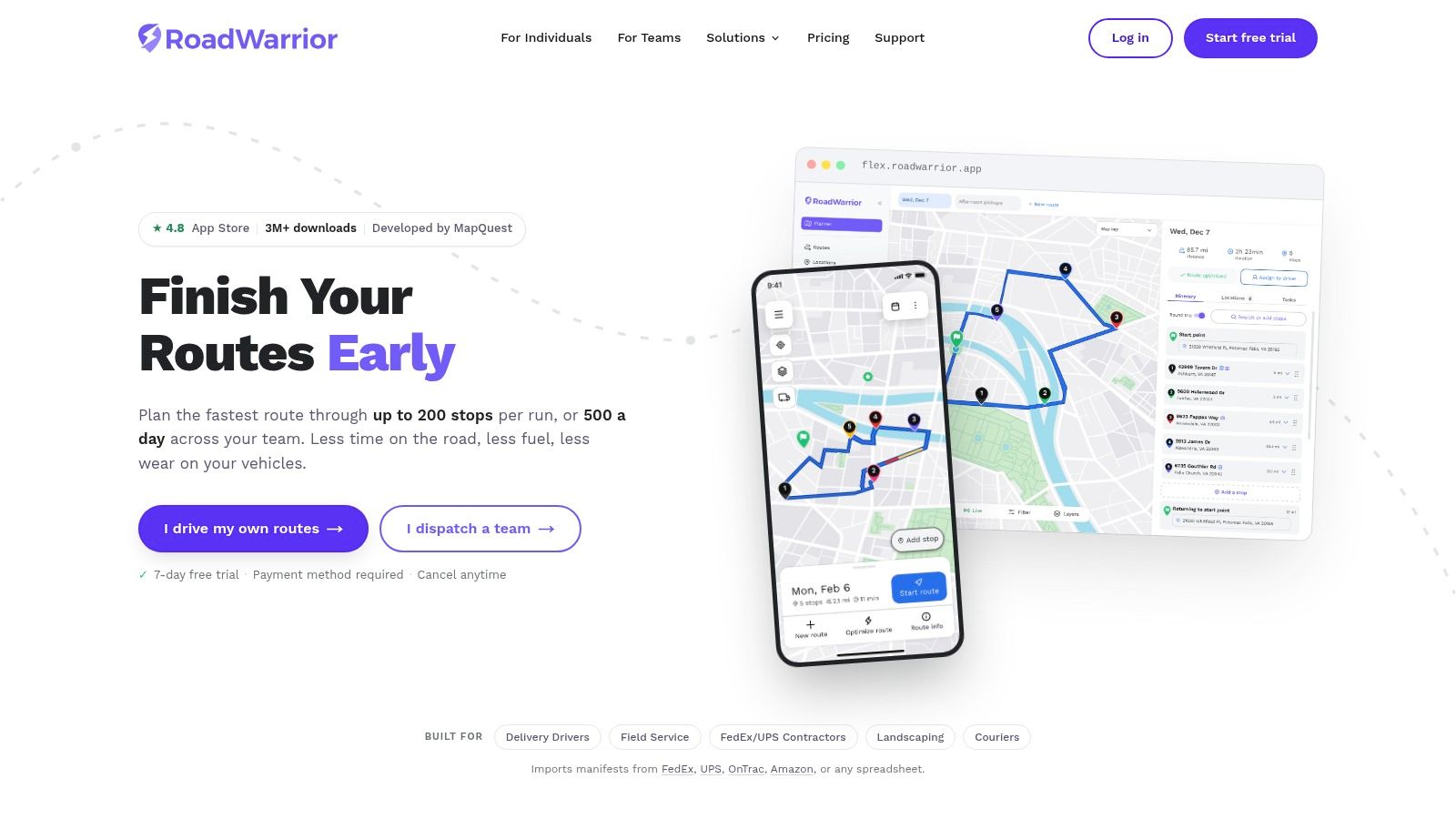
RoadWarrior starts from the driver’s perspective, not the dispatcher’s. That’s why couriers and independent operators often like it. The mobile experience is mature, route tinkering is quick, and handoff to external navigation apps is simple.
If your world is one person, one phone, and frequent route changes, RoadWarrior feels more natural than web planners. A driver can adjust, optimize, and leave with less ceremony. For route habits common in courier work, this kind of delivery driver route planning approach is often more useful than desktop-first tooling.
The free-tier reality
The catch is that the free tier uses daily optimized stop quotas. That means RoadWarrior can feel generous during light use and restrictive once the route becomes a routine business process.
It’s a strong solo-driver tool for local services, samples, prescriptions, or light parcel rounds. It’s weaker when a business needs dispatcher oversight, recurring team workflows, or customer proof.
RoadWarrior is easy to adopt because almost no process change is required. The driver keeps control. That’s also why businesses eventually outgrow it. As soon as someone in the office needs visibility into route status without calling the driver, the app-first model starts to look narrow.
9. Zeo Route Planner
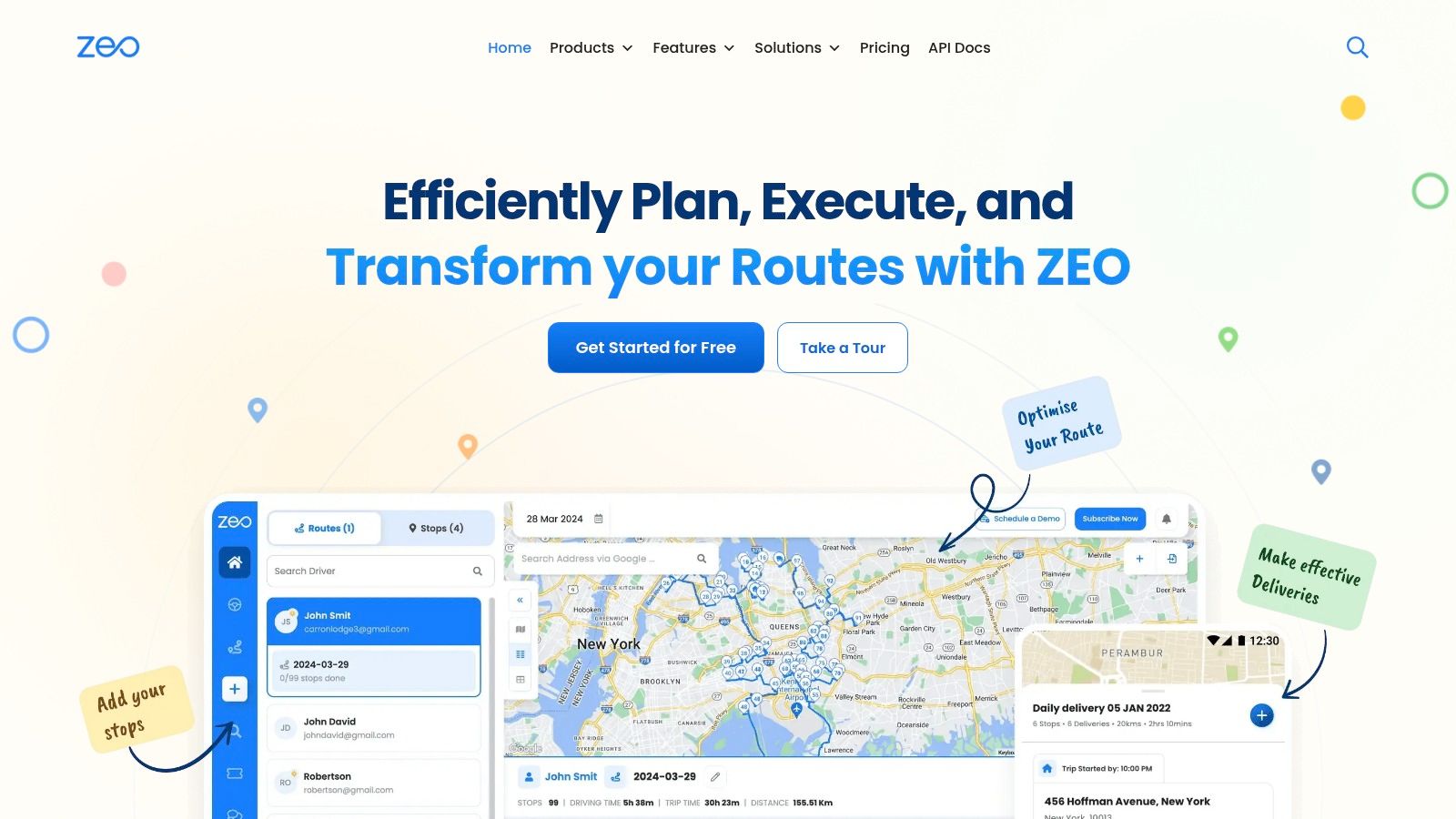
A free route planner becomes more useful when route volume is uneven. That is Zeo’s angle.
Zeo Route Planner fits operators who deliver often enough to want repeatable routing, but not at a scale that justifies full dispatch software yet. In this list, that places it between simple driver apps and paid systems built around team coordination, delivery evidence, and office oversight.
The free plan matters most for small recurring runs, not one-off errands. A farm shop doing weekly local drops, a bakery handling pre-order rounds, or a boutique retailer running scheduled neighborhood deliveries can work inside a monthly allowance more predictably than inside a strict daily cap. For those scenarios, Zeo can be easier to live with than tools that penalize routine use every single day.
Its strengths also point to its ceiling. Zeo works best for 1PL operations with one driver or a very small owner-run loop, where the priority is route order and navigation handoff rather than dispatcher control. If the operation starts promising delivery windows, handling perishables, or answering customer disputes about whether an order arrived, the free tier stops looking like a planning tool and starts looking like a temporary holding pattern.
That tradeoff is visible in the feature split. Paid tiers push photo capture, notes, and proof-related functions because those are the first capabilities small delivery businesses miss once delivery volume becomes a managed process instead of a driving task.
A practical read on Zeo:
- Best fit: solo or owner-operated recurring local deliveries
- Weak fit: multi-driver retail runs that need a shared live operating view
- Migration effort: low, since a driver can start from a phone-based workflow
- Upgrade trigger: proof of delivery, delivery history, or scheduled-service accountability starts affecting customer service
Zeo is a sensible midpoint tool. It helps a small operation standardize routing before it commits to broader delivery management. That also means its value is highest right before the business outgrows it.
10. MyRouteOnline
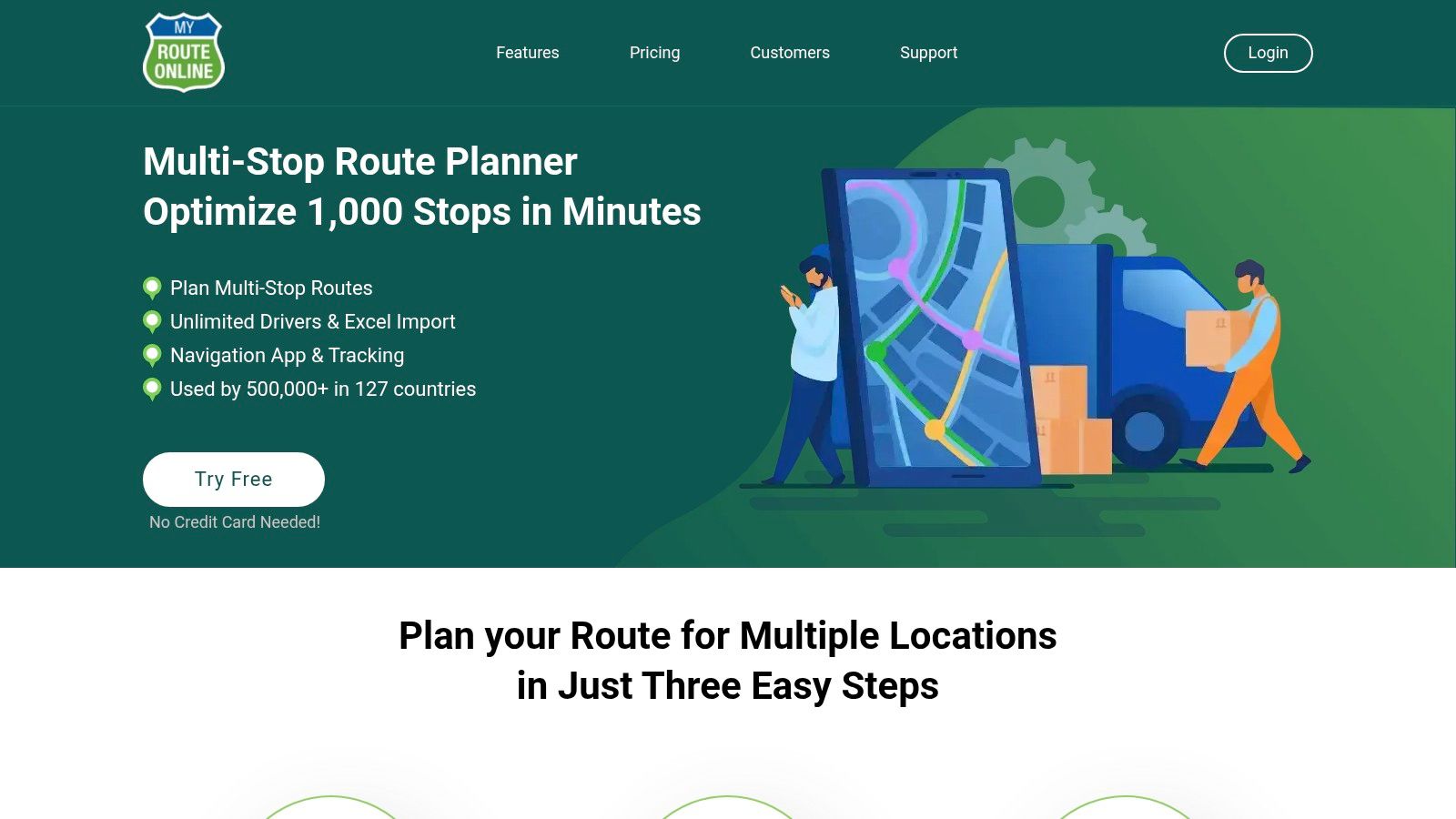
MyRouteOnline is one of the easiest tools to understand. Import from Excel or CSV, optimize the route, and export it for navigation. If you want a quick browser workflow for a very small list, it does exactly that.
The free tier supports up to 6 stops, so its role in this comparison is narrow by design. That doesn’t make it weak. It makes it specific. For ad hoc samples, executive errands, compact sales loops, or testing whether route optimization helps your process at all, it’s a clean entry point.
Best use case
MyRouteOnline is best treated as a lightweight demo of structured planning. A manager who’s still sending drivers a list by text can use it to validate a simple import-and-optimize workflow without changing the rest of the operation.
The problem appears fast in real delivery work. Six stops disappear quickly, and deeper features such as automation sit behind paid options.
MyRouteOnline isn’t the right answer for scheduled deliveries or perishables. It is a sensible answer for very short runs and for businesses that want to prove internal appetite for route planning before introducing a bigger system.
Top 10 Free Route Planner Comparison
| Product | Core features ✨ | Driver UX & Target 👥 | Optimization & Scale ★ | Integrations & Automation ✨ | Price / Value 💰 |
|---|---|---|---|---|---|
| RouteXL | Automatic TSP sequencing, spreadsheet import, API 🏆 | Web-based; easy for solo planners 👥 | ★★★★, Free up to 20 stops; single‑vehicle focus | API (limited free), CSV import | 💰 Freemium → paid upgrades |
| MapQuest Route Planner | Basic optimizer, CSV import, print/share | Familiar web UI; simple handoff 👥 | ★★★, Up to 26 stops free; basic constraints | CSV import; limited automation | 💰 Good free tier for small runs |
| Google Maps | Live traffic ETAs, manual multi-stop, universal handoff 🏆 | Ubiquitous on phones; instant sharing 👥 | ★★, Manual ordering, ~10 stops max | Strong consumer APIs; no planner automation | 💰 Free baseline |
| HERE WeGo | Multi-stop, offline maps, truck attributes | App with offline support; truck use 👥 | ★★★, Modest optimization; offline strength | WeGo Pro for advanced fleet features | 💰 Free app; pro features paid |
| Shipday (Free Tool) | Optimize single route up to 100 stops 🏆 | No-login web tool; quick handoff 👥 | ★★★, Single-driver only; huge free stop limit | Minimal integrations; export to nav | 💰 Free, lightweight tool |
| GraphHopper Maps | Open-source routing, multiple profiles, privacy | Developer-friendly web UI; privacy focus 👥 | ★★, Multi-waypoint but limited stop-order optimization | Open-source engine/APIs available ✨ | 💰 Free / self-host options |
| Routing24 | Multi-vehicle optimization, ETA calculations 🏆 | Browser workflow for large lists 👥 | ★★★★, Free plan claims unlimited stops/vehicles (feature-limited) | CSV import; advanced integrations behind pay | 💰 Freemium; good for larger free lists |
| RoadWarrior | Mobile multi-stop optimizer, nav handoff | Mature mobile app for couriers 👥 | ★★★, Daily quotas on free; good solo-driver UX | Imports + nav handoff; team features paid | 💰 Freemium (limits on free tier) |
| Zeo Route Planner | Mobile-focused routing, nav handoff | Simple mobile app; occasional users 👥 | ★★★, Free monthly route limits; upgrade paths | Handoff to maps; photo/proof in paid tiers | 💰 Freemium (limits per month) |
| MyRouteOnline | Excel/CSV import, route export, credit pricing | Simple browser planner; companion app 👥 | ★★, Free up to ~6 stops; credit model for larger runs | Export to nav; API/features behind pay | 💰 Credit-based; low-volume friendly |
Choose the Smallest Tool That Fits the Operation
The best free route planning software is usually the smallest tool that still matches the actual operating model. For very small ad hoc runs, Google Maps or MyRouteOnline can be enough. The route is short, the planner and driver may be the same person, and the business doesn’t need a dispatch layer.
If offline navigation matters, HERE WeGo is the practical pick. If the route lives on the driver’s phone and the office only needs light involvement, RoadWarrior or Zeo are stronger fits. If the business wants simple web optimization without turning planning into a software project, RouteXL and MapQuest are the cleaner choices. If one person needs to optimize a long single route fast, Shipday is hard to ignore. If routing flexibility and open tooling matter more than convenience, GraphHopper belongs on the shortlist. And if multi-vehicle planning is the priority, Routing24 is the most relevant free option here.
The bigger lesson is that stop count isn’t the main threshold. Delivery operations usually become “paid-software problems” when the route is no longer the only workflow that matters.
Before switching tools, use this migration lens:
- Clean address data: Keep a consistent address format and unique stop IDs.
- Service assumptions: Record service times, delivery notes, access constraints, and time-sensitive stops.
- Vehicle reality: Capture capacity, route availability, and any special handling needs.
- Repeatable planning: Save recurring templates for common delivery days or territories.
- Driver handoff: Decide whether drivers need links, printed sheets, exports, or app-based workflows.
- Customer visibility: Define whether customers should receive notifications or tracking updates.
- Proof of delivery: Decide if signatures, photos, notes, or exception reasons are operationally necessary.
- Test run: Trial one route day before moving a whole delivery board.
A paid platform becomes worth evaluating when multiple depots are involved, order intake is fragmented, dispatch happens every day, capacity needs to be visible before vehicles overload, and the office needs more than a route link. That’s also the point where standalone free planners start creating extra coordination work. Teams often need browser-based driver links, live tracking, notifications, proof of delivery, and post-run analytics in one flow instead of spread across separate tools.
That’s where a platform such as Routelink becomes relevant. It’s built for planning and managing local delivery operations across intake, route optimization, dispatch, tracking, notifications, and proof of delivery, with support for multi-depot planning and browser-based driver links. If your current free planner saves miles but still leaves the office stitching the rest together manually, that’s usually the signal to move up a tier.
If your routes are starting to involve multiple drivers, customer updates, proof of delivery, or recurring dispatch, a standalone free planner may no longer be enough. Routelink brings route planning, driver dispatch, live tracking, notifications, and post-run analytics into one web-based system, so you can move beyond basic route optimization without adding app rollout friction.