Integrate
Bring orders in from every tool you use
Spreadsheet, store, or your own system — stops land in one inbox, geocoded, ready to plan.
A single inbox for unplanned work
Stops wait here until they belong on a day’s board. Search, filter, and move work in bulk without leaving the list.
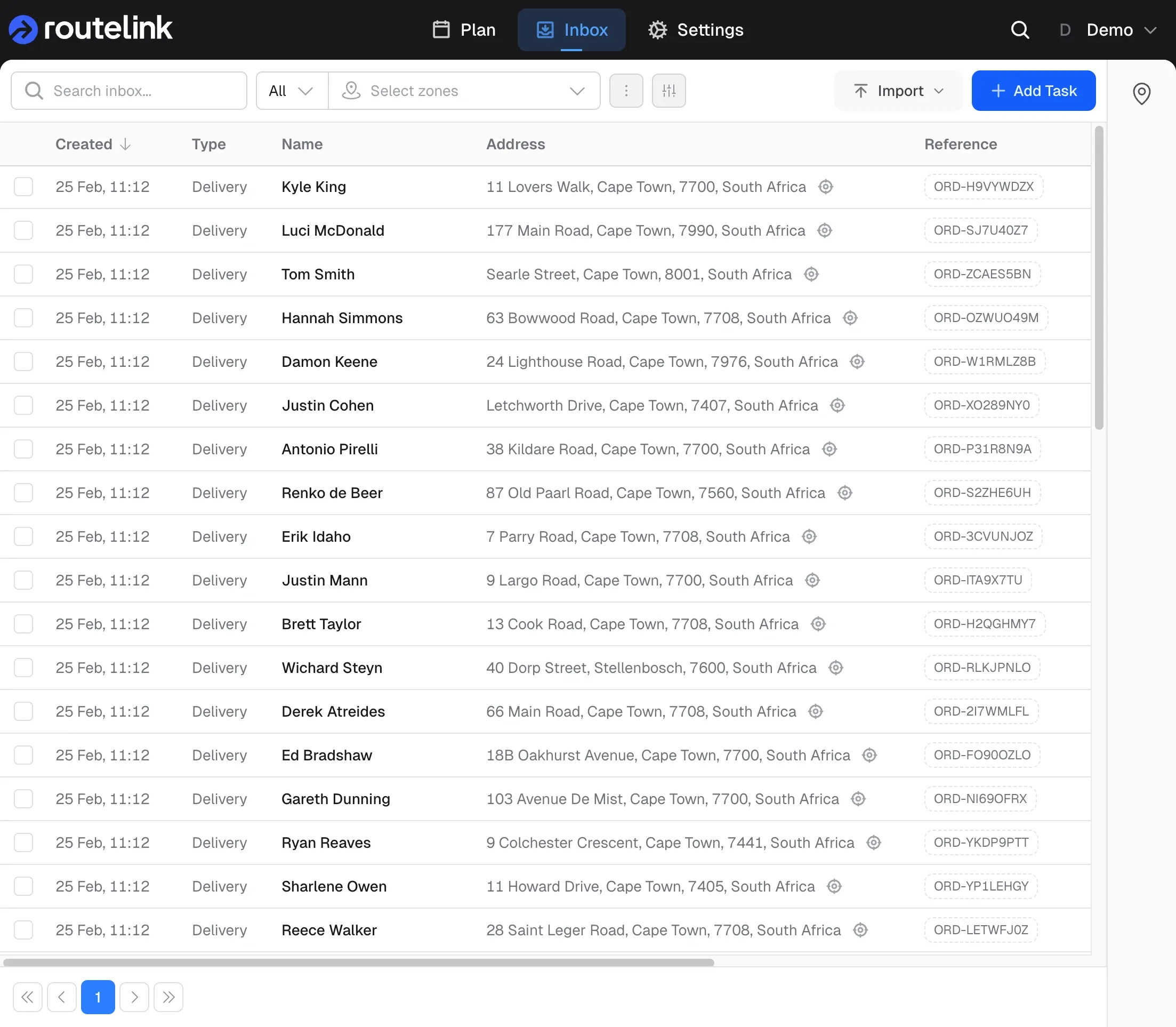
Find the stop, then act
Search, sort, toggle columns, and filter by zone. Save a view when you use the same filter every morning.
Fix the map before you plan
Addresses are geocoded on the way in. Failures stay flagged so you can correct the address or drop a pin.
Import from a spreadsheet or a store
Upload a file, or let Shopify and WooCommerce create tasks from orders — address, contact and order number included.
Start from the template
Download the Excel template, match the column names, preview the grid, then import. Extra columns are ignored.
Orders without the export
Shopify pushes orders in. WooCommerce can webhook on order created, or you can pull a date range when you are ready.
Connect the rest of your stack
When the work lives in your ERP or your own API, push, pull, or wire it up with Zapier — without a spreadsheet in the middle.
Push, pull, or by hand
Your system POSTs tasks to Routelink, Routelink fetches on a schedule, or you trigger a sync yourself.
Or build it yourself
Business plans get custom integrations and API access. Use webhooks when something happens on the route.
Route Planning
Plan and Optimise
Plan from a depot, auto-assign work, optimise stop order, then drag-and-drop until the board matches the day.
Drivers and proof
Dispatch and Deliver
Each device gets a PIN-protected browser link. Drivers navigate, complete, and capture proof — no app store.
Tracking and notifications
Track and Notify
A branded tracking page instead of a phone call. Live overview while the day runs. Analytics when it is over.