Drivers and proof
Put work on phones and close the stop
Each device gets a PIN-protected browser link. Drivers navigate, complete, and capture proof — no app store.
A link, not an install
Name a device after a driver, a vehicle, or Van 1. Confirming a route puts it on that phone. Delete the device and the link dies.
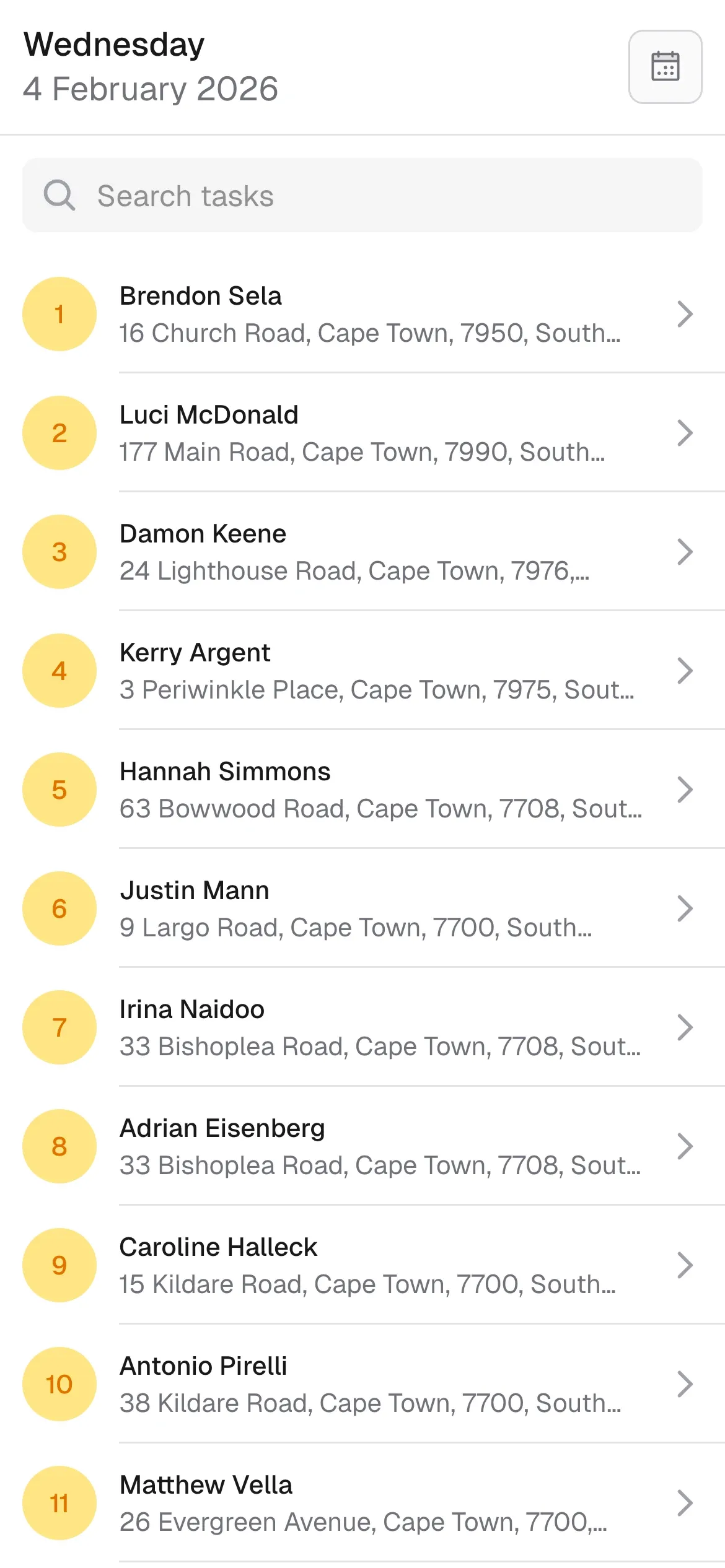
Bookmark it, or add it to the home screen
The link opens in the browser. A PIN unlocks customer details. Share the PIN separately, and change it if a phone goes missing.
Built for peaks
Onboard a subcontractor with a link and a PIN. No store review. One device can run more than one route in a day.
Run the route
List or map of the day’s routes. Open Google Maps to the stop. Start, complete, or fail — and retry later if you need to.
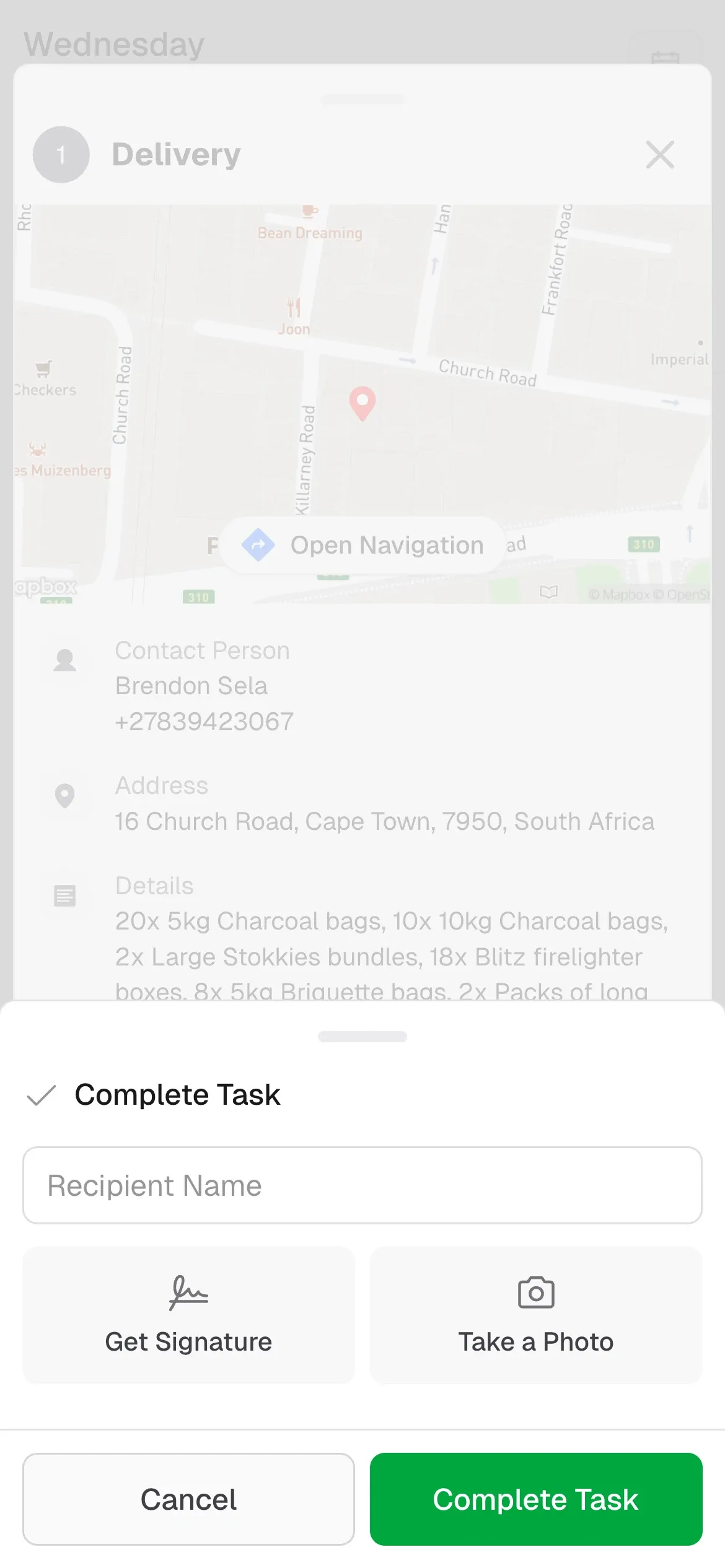
Directions at the stop
Open Navigation launches Google Maps to the coordinates. Contact, address, notes and items are the fields you choose to show.
Start can tell the customer
Starting a stop can send an on-the-way notification. Optional: enforce planned stop order within a route.
Prove it happened
Name, signature, photos and notes at the door. A reason when it did not. Failed stops stay on the plan so you can send them out again.
Require what you care about
Sign-on-glass, photos, recipient name, notes. Timestamped with device location. Set which fields are required to complete.
Failure is still a record
Default reasons, or your own list. Require a note or photo on fail. The stop stays available to retry.
Integrate
Intake Orders
Spreadsheet, store, or your own system — stops land in one inbox, geocoded, ready to plan.
Route Planning
Plan and Optimise
Plan from a depot, auto-assign work, optimise stop order, then drag-and-drop until the board matches the day.
Tracking and notifications
Track and Notify
A branded tracking page instead of a phone call. Live overview while the day runs. Analytics when it is over.